
← Back to articles · Coin Dealer information ·
Purchase holds in SpotPro — optional waiting periods for public buys
Optional SpotPro purchase holds after NumisNexus buys: POS Config Holds, release queue, safe-pull and held-lot prints. Not pawn software; not legal advice.
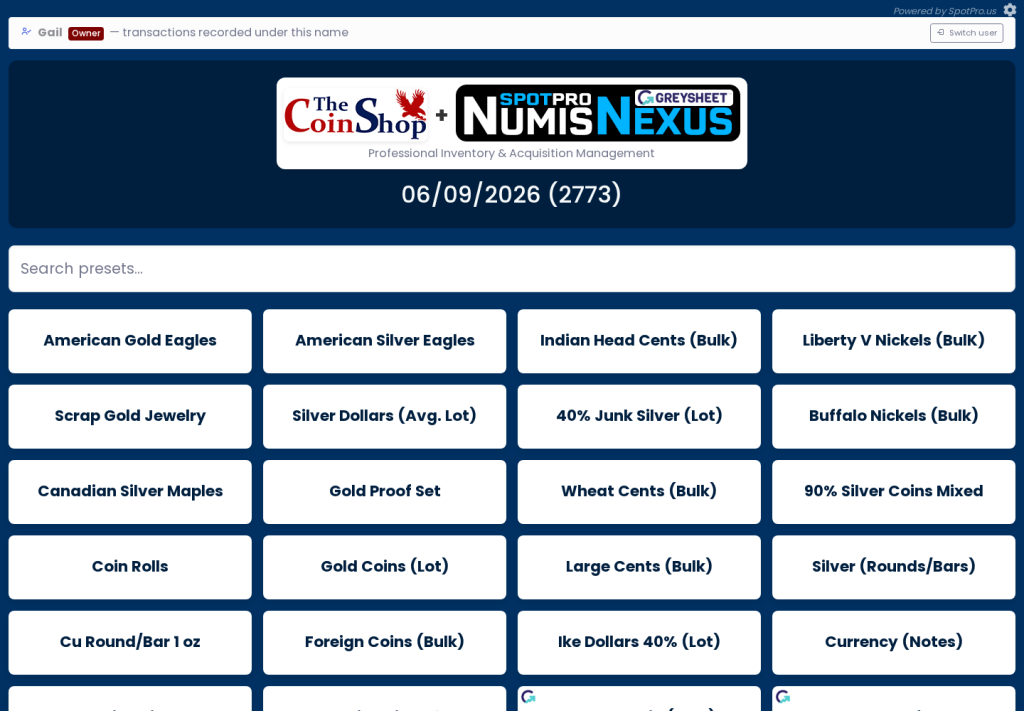
Updated August 2026. Buying is where shops make or lose the week. Purchase holds in SpotPro — optional waiting periods for public buys in SpotPro centers on NumisNexus, presets, and records you can defend — then optional resale through ExtraCoins and the shopping feed.
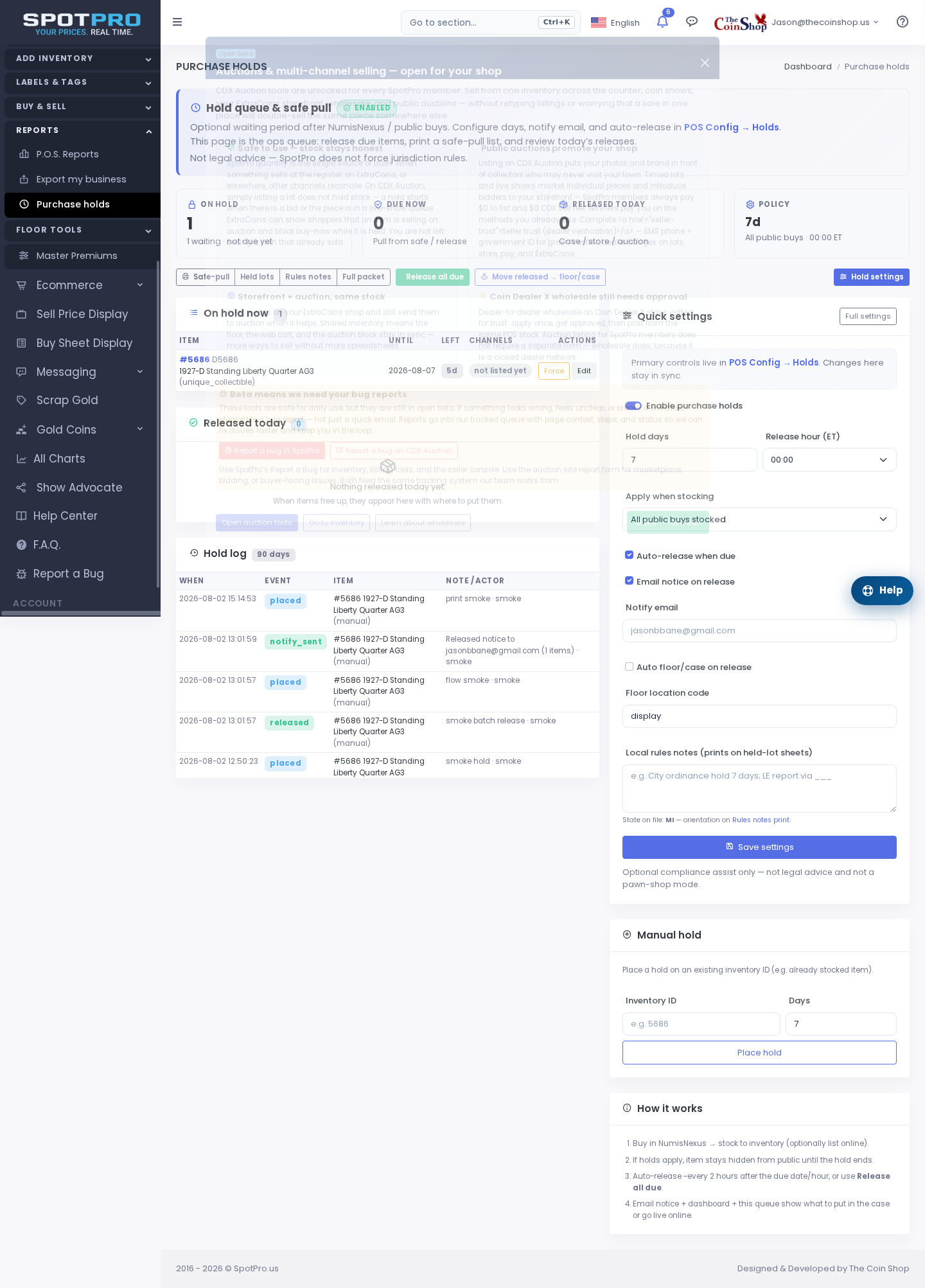
Buying desk workflow
- NumisNexus for structured purchases and customer linkage
- Purchase presets for common ASE, junk, and gold units
- Holds / waiting periods where your shop policy requires them
- After buy: label, inventory, optional ExtraCoins list + shopping feed when you resell
Scrap and melt buying
- Shop setup → Scrap buy %: set pay-% policy once; spot moves recalculate melt cash
- Live metal spots: primary Kitco text quotes, backup MetalpriceAPI
- Fullscreen scrap tables + Live Buy Sheet for the window and website
- Advertise honest spreads; land ads on a page that embeds the same board
How SpotPro POS backs the counter
- Sales Checkout with barcodes, staff PINs, and coin/bullion-aware lines
- NumisNexus buying desk + purchase presets for consistent buy spreads
- Greysheet Lookup in the POS UI (your Greysheet keys after trial — SpotPro does not bill lookups)
- Labels / tags for cases and shelves so online and in-store SKUs stay aligned
- Reports for inventory value and sales — useful when ads or SEO drive traffic you need to attribute
What not to publish
- Do not ship keyword-only stubs with no workflow — they look thin and waste crawl budget
- Do not invent dealer counts, fake “highest prices,” or fees SpotPro does not charge
- Do not advertise items missing photos or paused in vacation mode
- Do not treat backlinks as a substitute for Merchant Center, GBP, and real inventory photos
Next steps
- Start a SpotPro trial (introductory pricing lock-in for life while continuously subscribed — cancel anytime; see spotpro.us for current offer)
- Turn on ExtraCoins Online Listings and copy the shopping feed for Google + Microsoft Merchant Center
- Align Company Profile NAP with Google Business Profile
- Read the related guides below — skip thin keyword pages that do not teach a real workflow
Related guides
- What is SpotPro?
- ExtraCoins storefront guide
- Google Shopping feed setup
- Bing ads + shopping feed for coin shops
- Merchant Center checklist
- Setup checklist for new dealers
- Articles index
Learn more at spotpro.us and extracoins.com. Product details always win over generic “marketing tips” pages — that is why this article shows the actual SpotPro paths.
How SpotPro helps with this topic
Dealers searching for Purchase holds in SpotPro — optional waiting periods for public buys usually need three things at once: accurate counter pricing, a trustworthy buy desk, and an online presence that does not fight the POS. SpotPro is built as one system for that stack.
- POS + NumisNexus + inventory so the case and the website share one source of truth
- ExtraCoins storefront included — no SpotPro commission on list/sell
- Shopping feed for Google Merchant Center and Microsoft Merchant Center from the same URL
- Display Screen and Live Buy Sheet for honest public prices
- SMS (your Twilio), Shippo/Ship Desk, and web pickup for after the click