
Articles · Coin Dealer information ·
SpotPro setup checklist for new dealers
Getting SpotPro running is faster than wiring together a generic POS, a spreadsheet, and a separate web cart. Use this checklist after you start a trial.
Week one — foundation
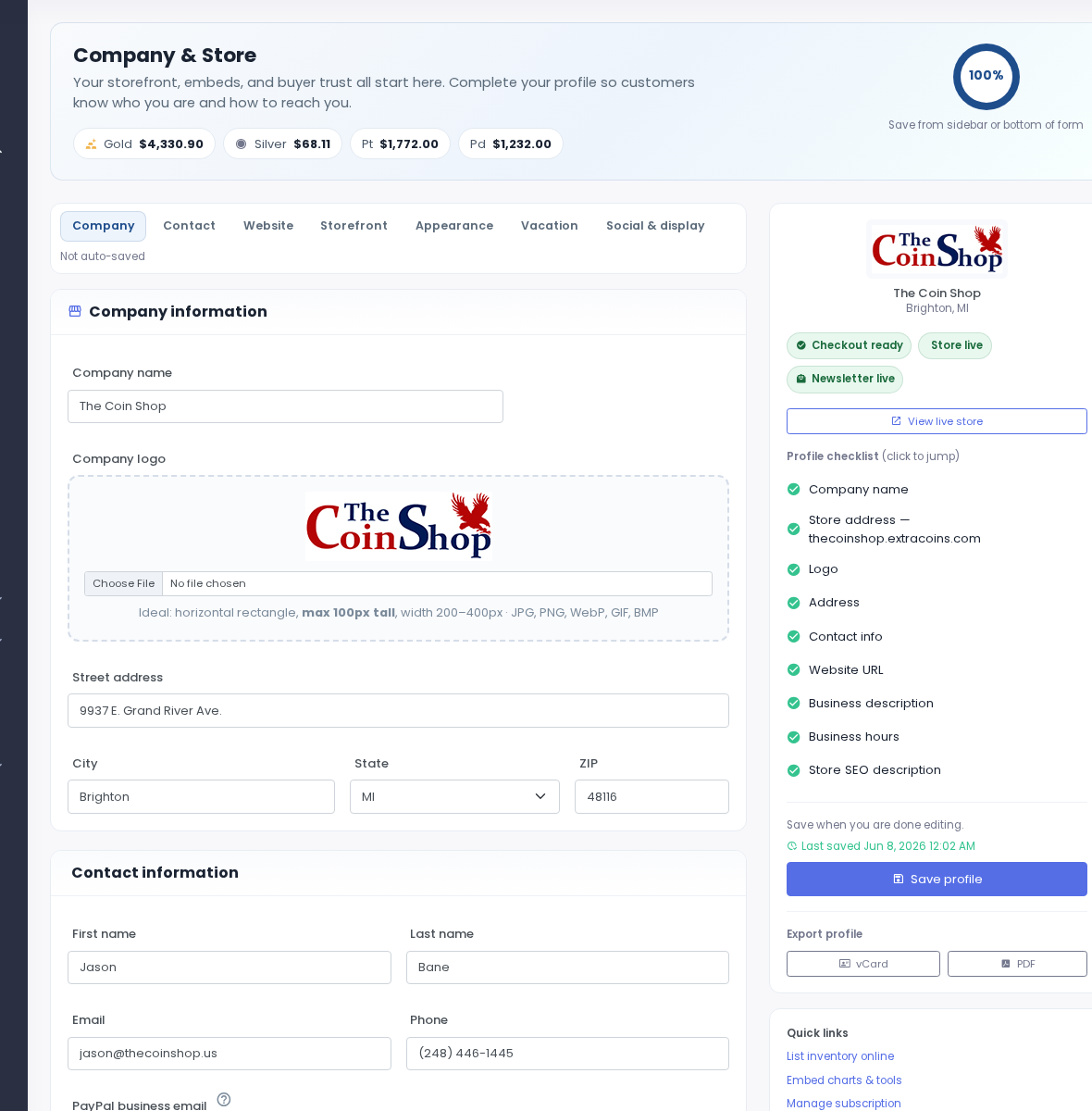
- Company Profile — Shop name, logo, address, phone, and claim your yourname.extracoins.com subdomain.
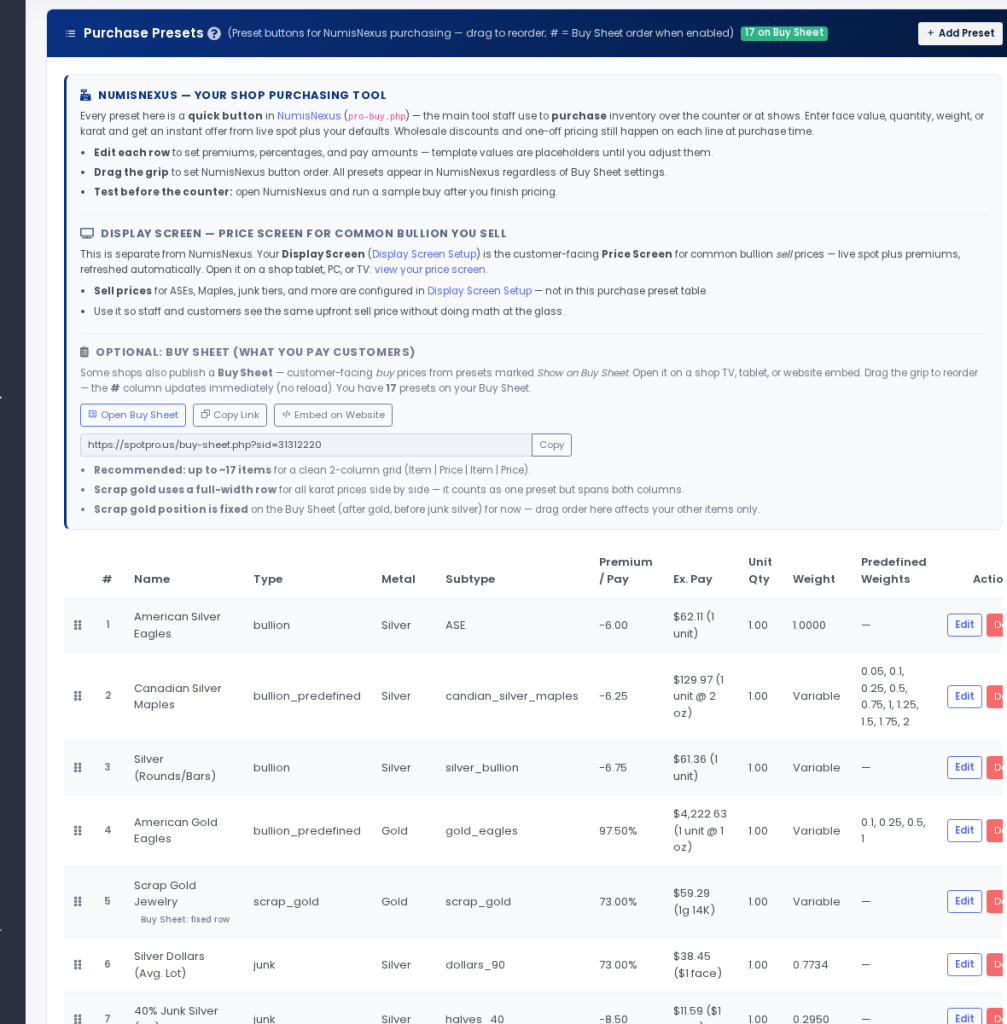
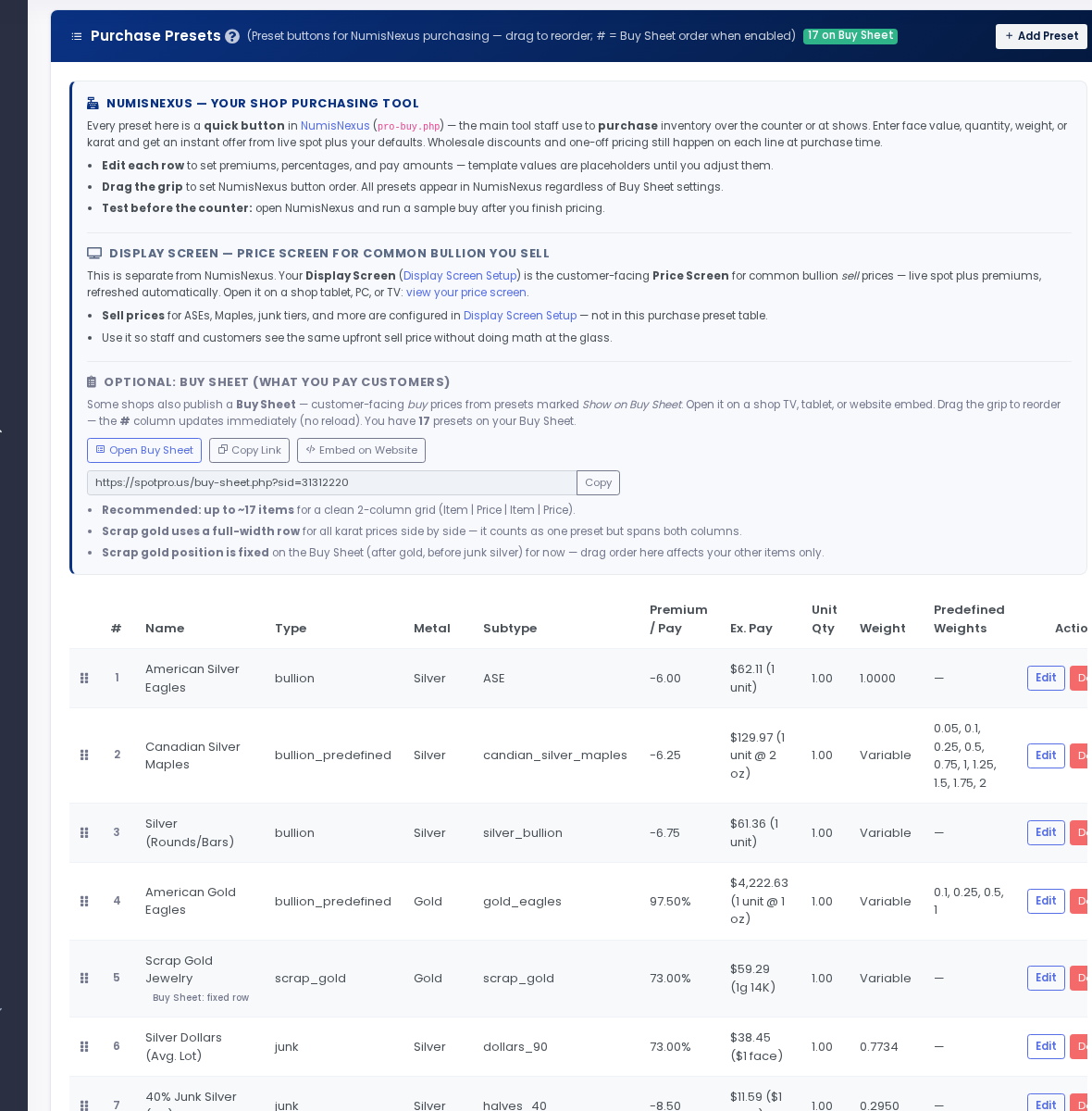
- POS Config — Load purchase presets (junk silver, ASE, generics) or start from the starter template (~30 presets). Set sell premiums and venues.
- Staff accounts — Counter logins and optional 4-digit PIN to lock checkout.
- Greysheet keys — Add your Dealer+ API credentials if you use guide values in NumisNexus and Coin Price Lookup.
- Display Screen — Cast to a shop TV or embed sell prices on your existing site.
Week two — selling online
- Online payments — Connect Authorize.Net or CARDZ3N for embedded card checkout; PayPal is optional.
- Store listings — Mark inventory online or in-store-only; set thumbnails and visibility.
- Shippo — Connect shipping for label printing and tracking emails.
- Test checkout — Run a bullion and a collectible test order; confirm cart spot pricing updates.
Related: ExtraCoins storefront guide and payment processor setup.