
← Back to articles · Coin Dealer information ·
Goldbacks in SpotPro — gold bullion notes that track live gold
Stock Goldbacks in SpotPro as gold bullion, not paper money. Type Goldbacks on New Inventory Item. Sell follows live gold on the counter and connected channels.
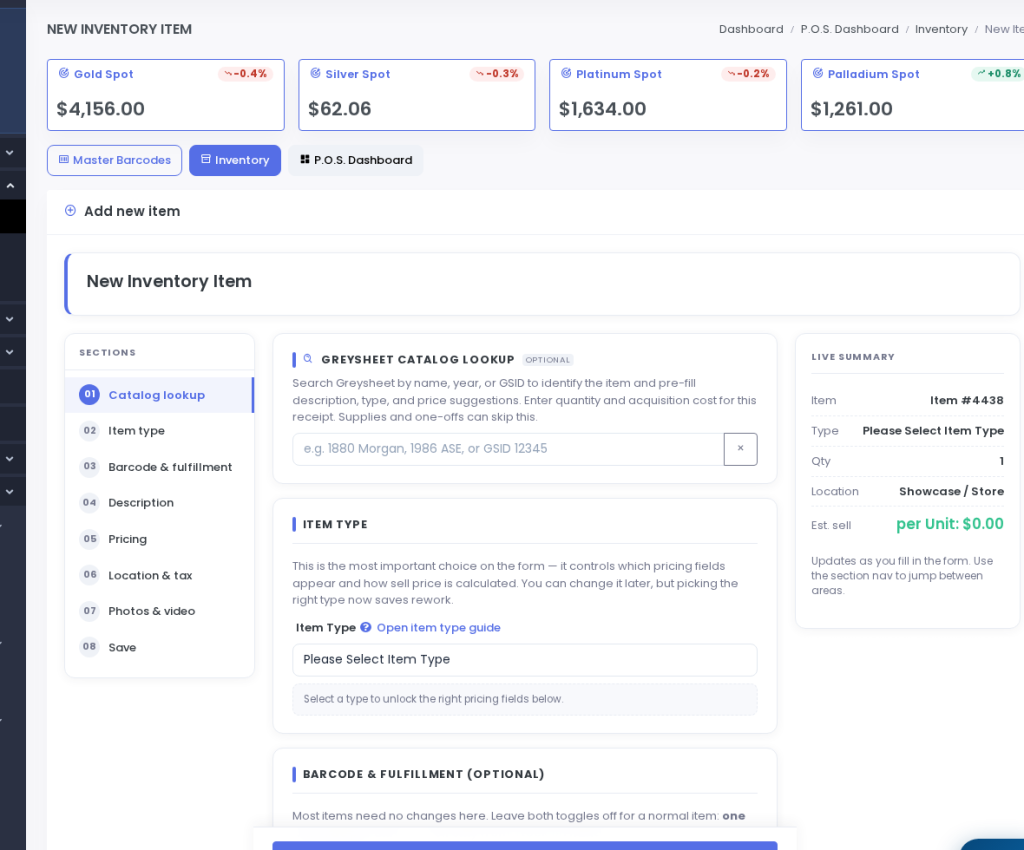
Goldbacks are gold bullion — 24k gold in a polymer note — not paper money. SpotPro now has a Goldbacks inventory type so sell follows live gold, the same way other bullion does.
How to stock them
- Open Add stock → New Inventory Item
- Choose type Goldbacks (not Notes)
- Pick the denomination: ¼, ½, 1, 2, 3, 5, 10, 25, 50, or 100
- A 1 Goldback holds 1/1000 oz of gold. A 5 is 1/200 oz. A 50 is 1/20 oz.
- Quantity is how many of that note. Mixed pile: set denomination to 1 Goldback and count units
- Premium is the same gold math as other bullion: 0.15 = 15% over melt; 2.00 = $2 on that note
They track live gold
Sell is gold content × current gold spot, plus your premium. That live price is used at checkout, ExtraCoins, eBay, CDX Auction, CoinDealerX wholesale, and connected Shopify, WooCommerce, Square, and BigCommerce listings — not a frozen sticker.
Full how-to: docs.spotpro.us/a/goldbacks · Members: New Inventory Item · Trial: spotpro.us/register-v2