
Articles · Coin Dealer information ·
Display Screen & Live Buy Sheet for shop TVs and websites
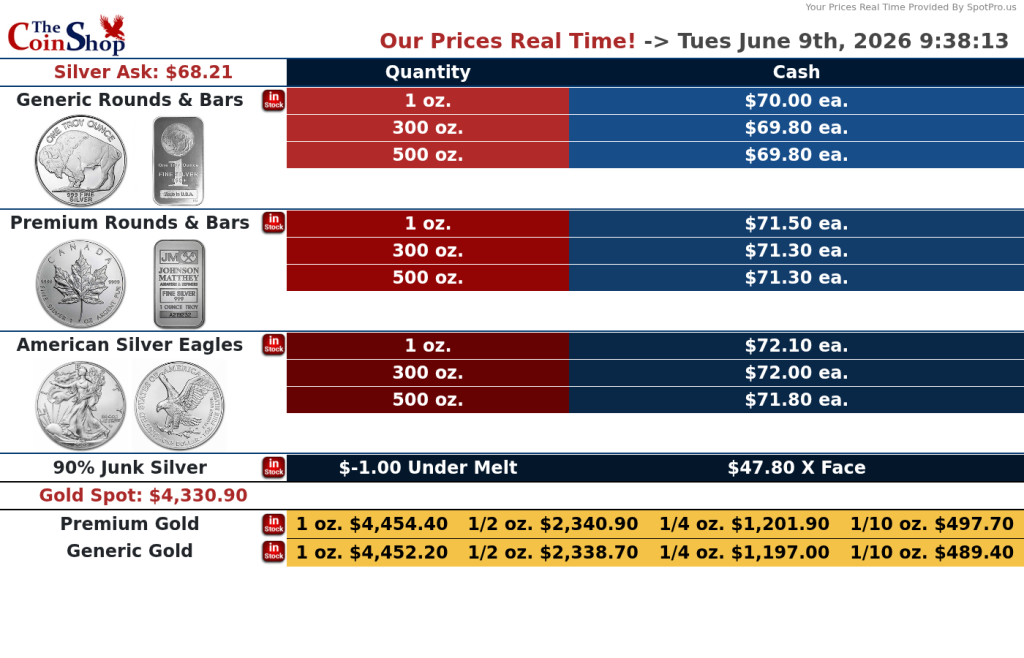
Customers expect to see current bullion prices without asking. SpotPro’s Display Screen shows your sell prices on shop TVs, tablets, or embedded on your website — refreshed every five minutes from the same presets you set in POS Config.
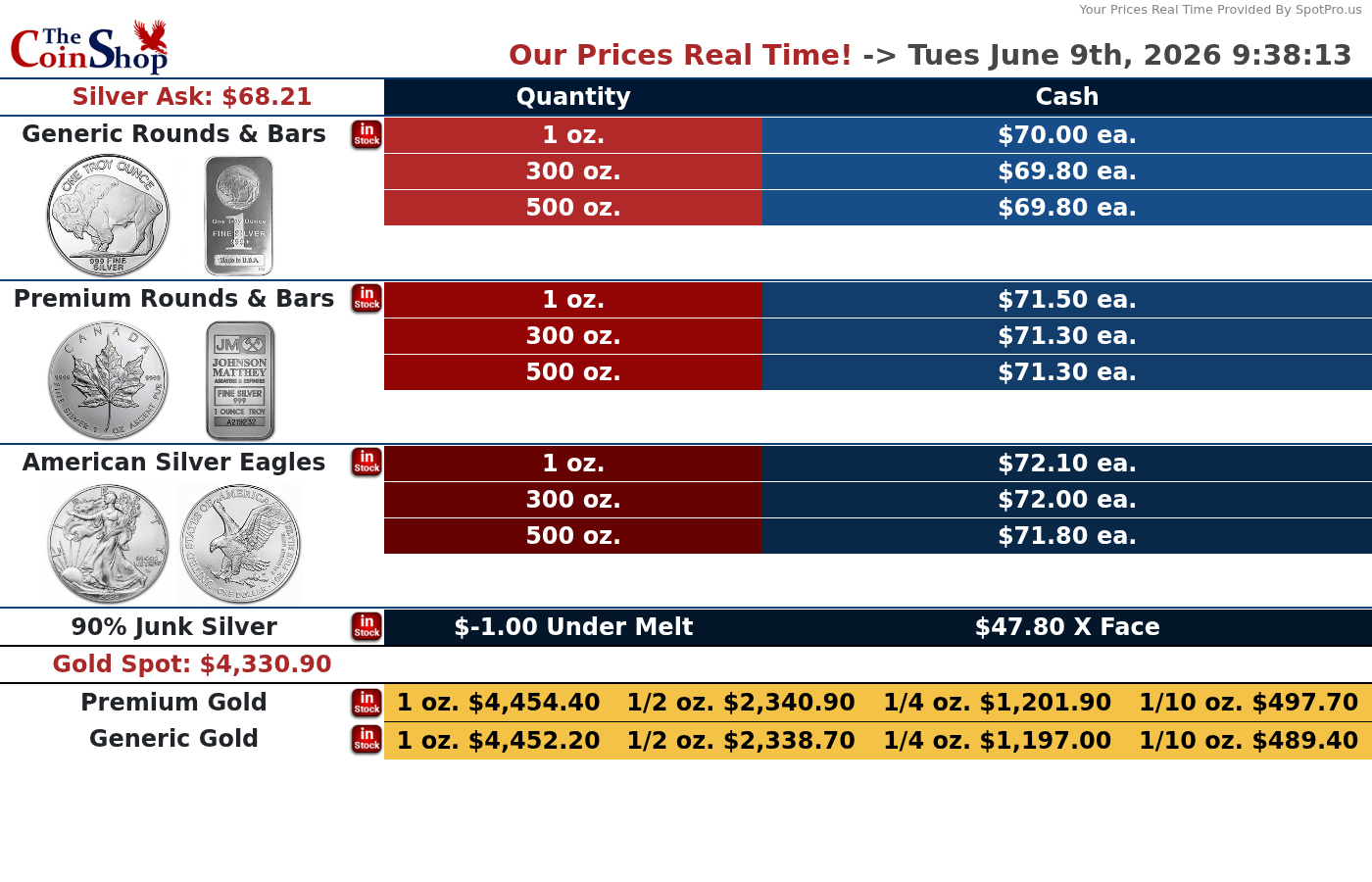
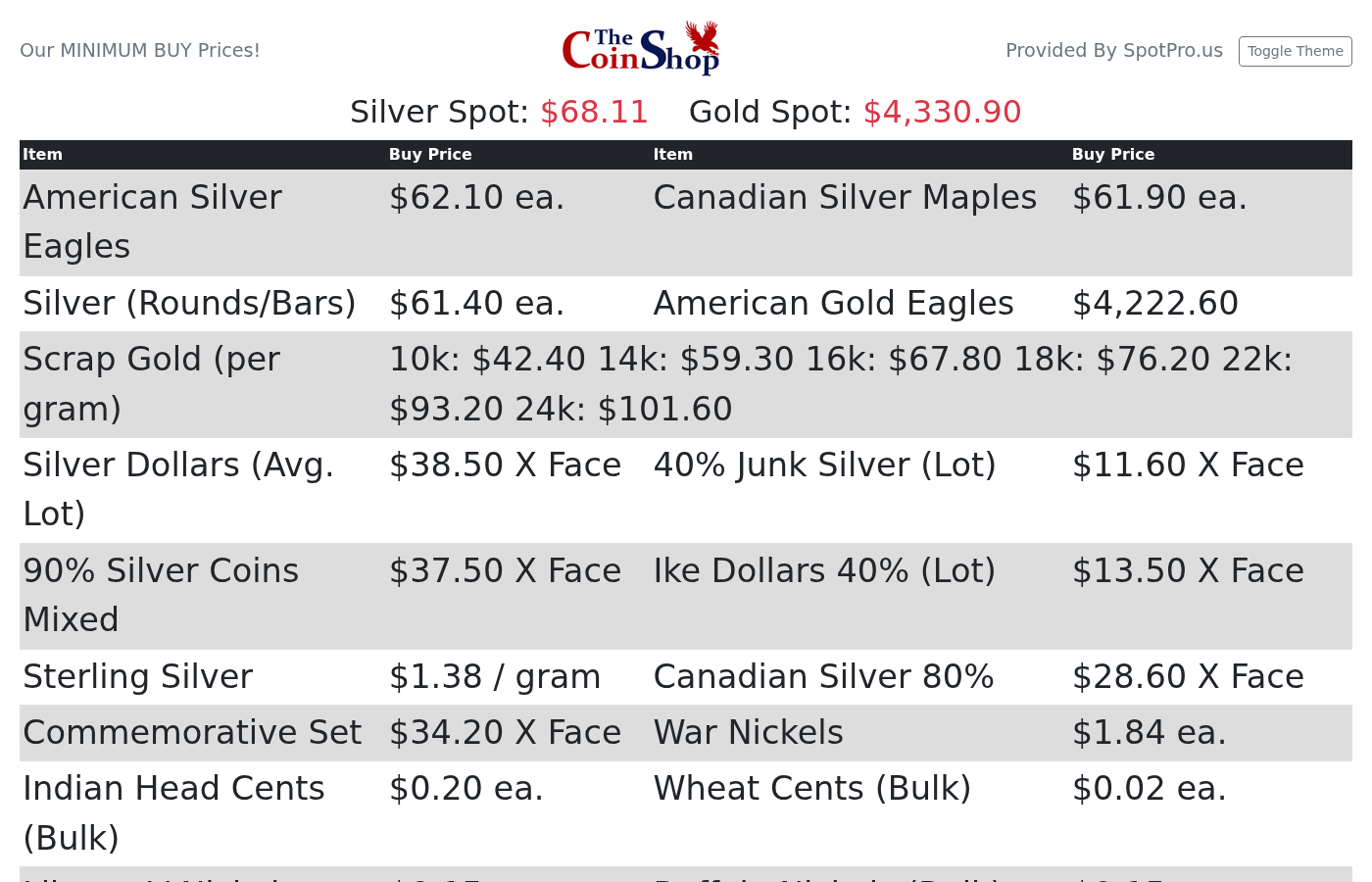
Display Screen (sell prices)
Show ASE, bar, round, and junk-silver ask prices with your premiums and quantity breaks. Customize layout and branding. Cast a browser window to a TV or paste embed code into your existing site under Configuration → Web Design Tools.
Live Buy Sheet (buy prices)
The optional Live Buy Sheet faces customers with your buy prices for junk, bullion, and scrap gold — driven by the same purchase presets as NumisNexus. Replace handwritten whiteboards that drift out of date by noon.
TV tips
Resize the browser window to fit your display; many shops set browser zoom to ~80% before casting so the board fills the screen edge-to-edge.
Learn more: Display Screen on spotpro.us · Live Buy Sheet