
← Back to articles · Coin Dealer information ·
AI coin lookup in SpotPro — photo it, get your shop prices, then stock it
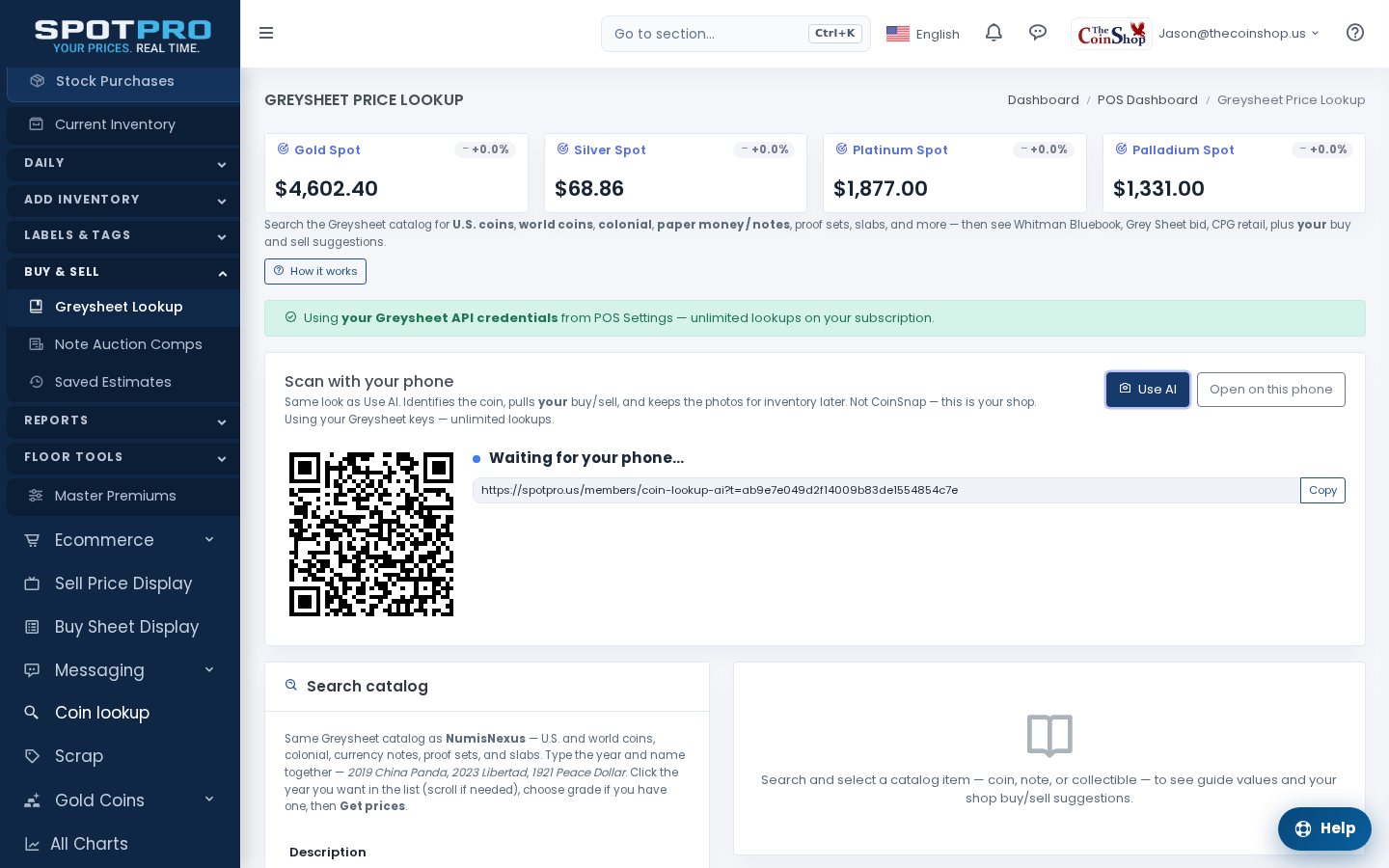
SpotPro Use AI identifies a raw coin or a slab from photos, matches Greysheet, and shows your shop buy/sell — then keeps the photos for inventory. Not CoinSnap.
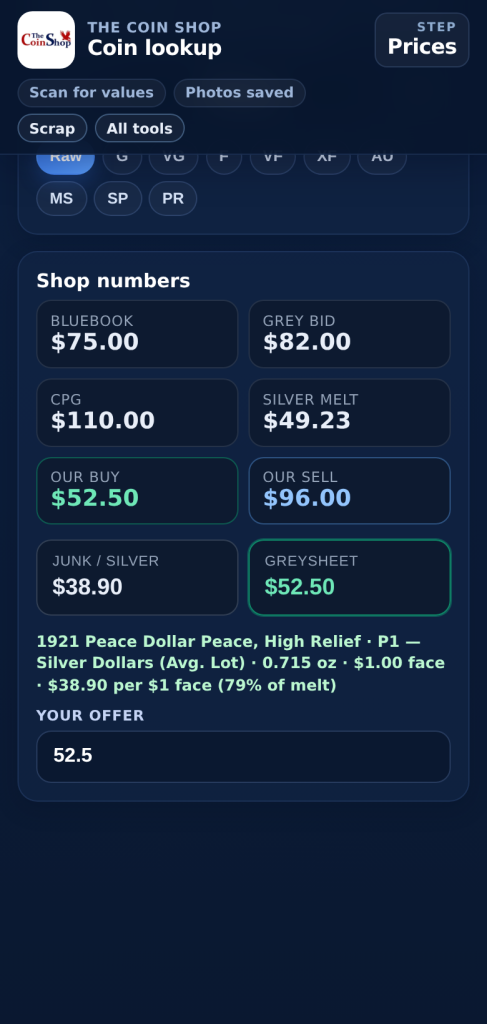
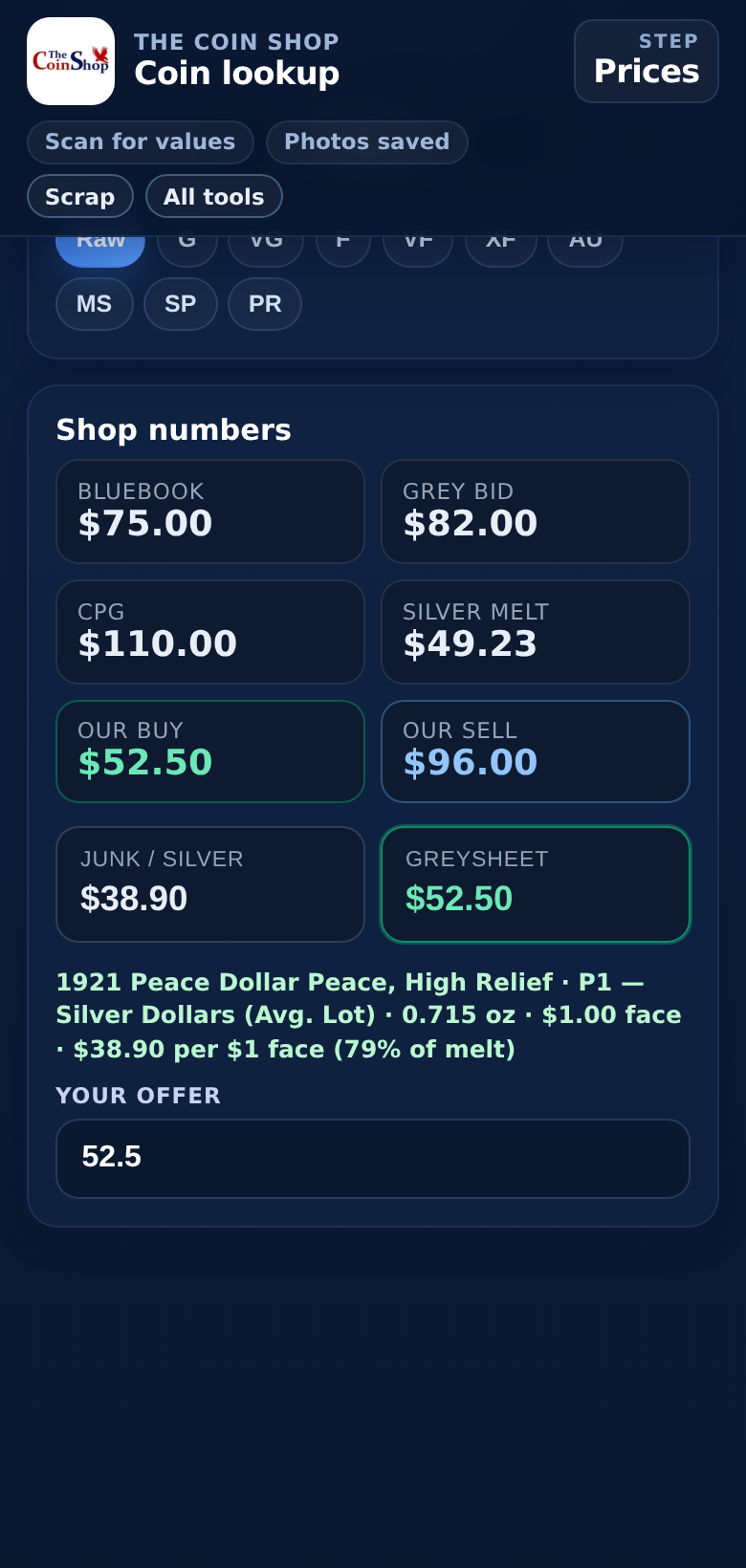
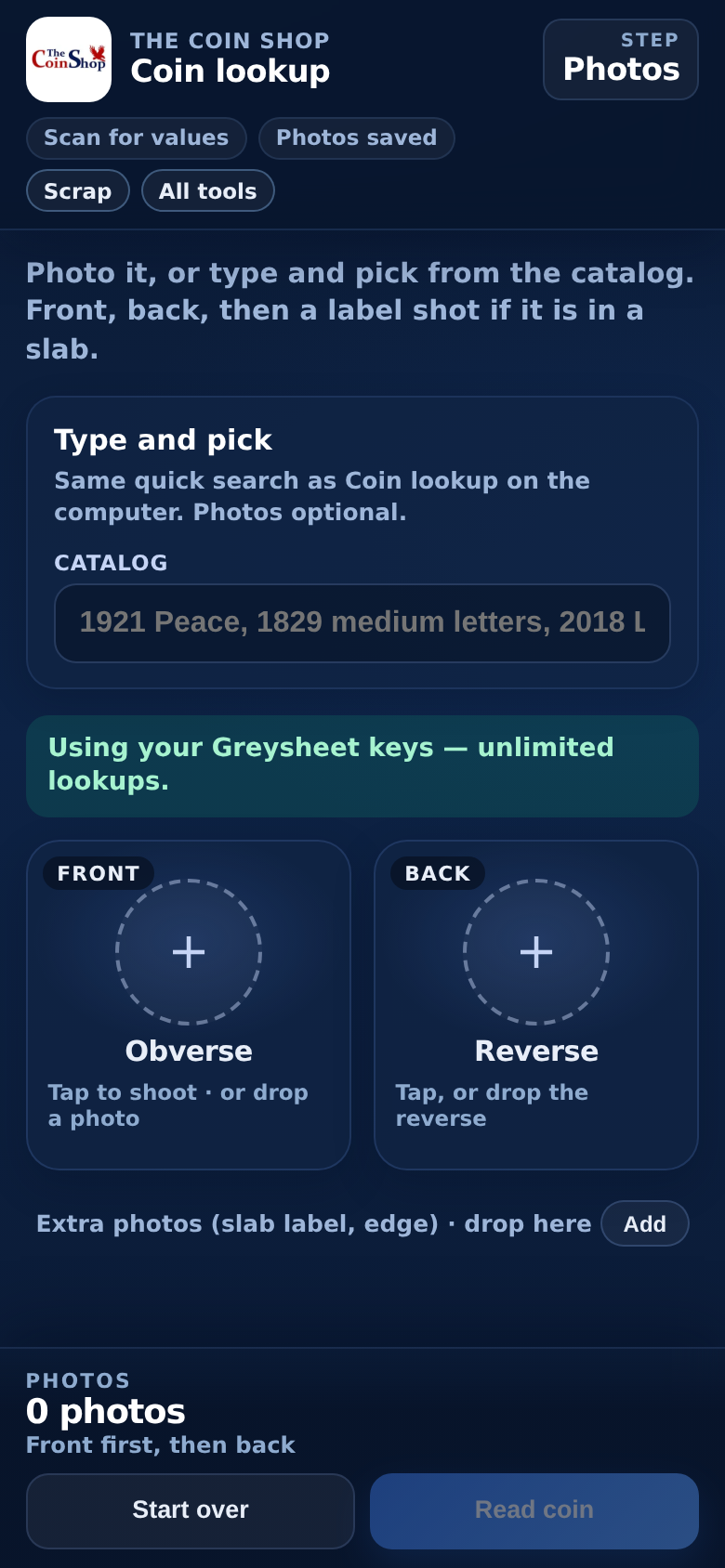
Photograph a raw coin or a slab on your phone. Raw is the daily path: front and back of the metal, conservative wear grade. A 2×2 is not a slab. If it is in a holder, add a label shot. SpotPro names it, matches Greysheet, and shows your shop buy and sell — junk silver pay, bullion premiums, collectible markups — not a generic collector-app number. The same photos fill New Inventory Item or go to NumisNexus.
Not CoinSnap
CoinSnap is a collector ID app: a name plus a public retail-ish guess. SpotPro Use AI is the shop. It uses your POS presets, master premiums, junk buckets, and Greysheet keys. Staff stay in SpotPro. The coin stays on your stock ticket.
Two jobs, same camera
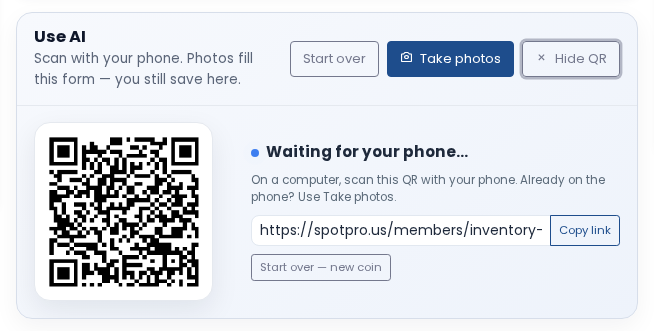
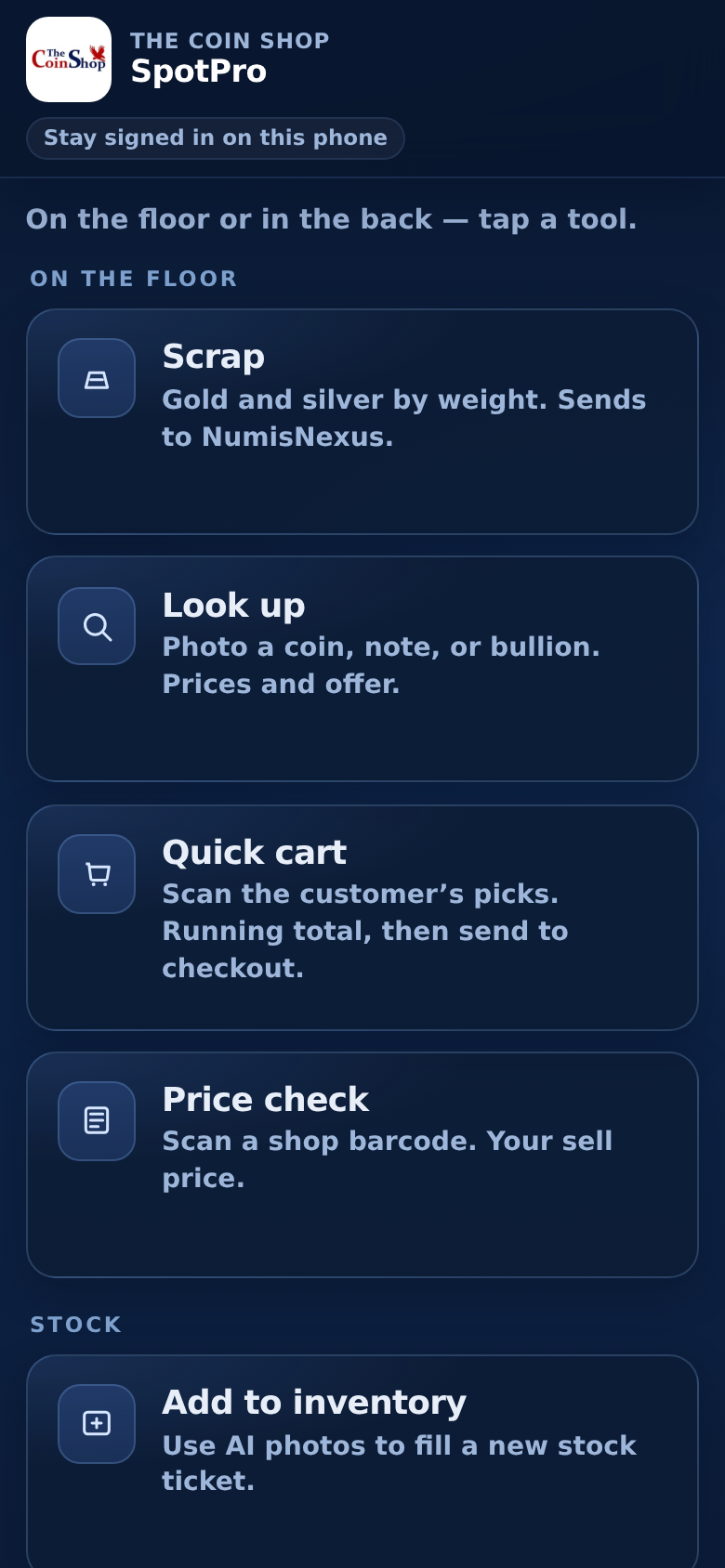
- Look up: Apps → Coin lookup → Use AI (desktop QR) or members app Look up
- Add to inventory: New Inventory Item → Use AI. Photos fill the form. You still Save.
- Go to (Ctrl/Cmd+K): “use ai”, “scan coin”, “coinsnap”
Your premiums and Greysheet
Our buy and Our sell come from the same shop math as NumisNexus. Identify is included with SpotPro — no per-scan SpotPro fee. Live Bluebook / Grey bid / CPG still use the 50 complimentary Greysheet lookups, then your greysheet.com keys. SpotPro never bills Greysheet usage.
Product page: spotpro.us/ai-coin-lookup · How-to: docs.spotpro.us/a/ai-coin-lookup · Trial: spotpro.us/register-v2