
← Back to articles · Coin Dealer information ·
ExtraCoins shopping feed: Google and Bing from one URL
How dealers copy the SpotPro ExtraCoins shopping feed, connect Google Merchant Center and Microsoft Merchant Center, and keep listings clean.
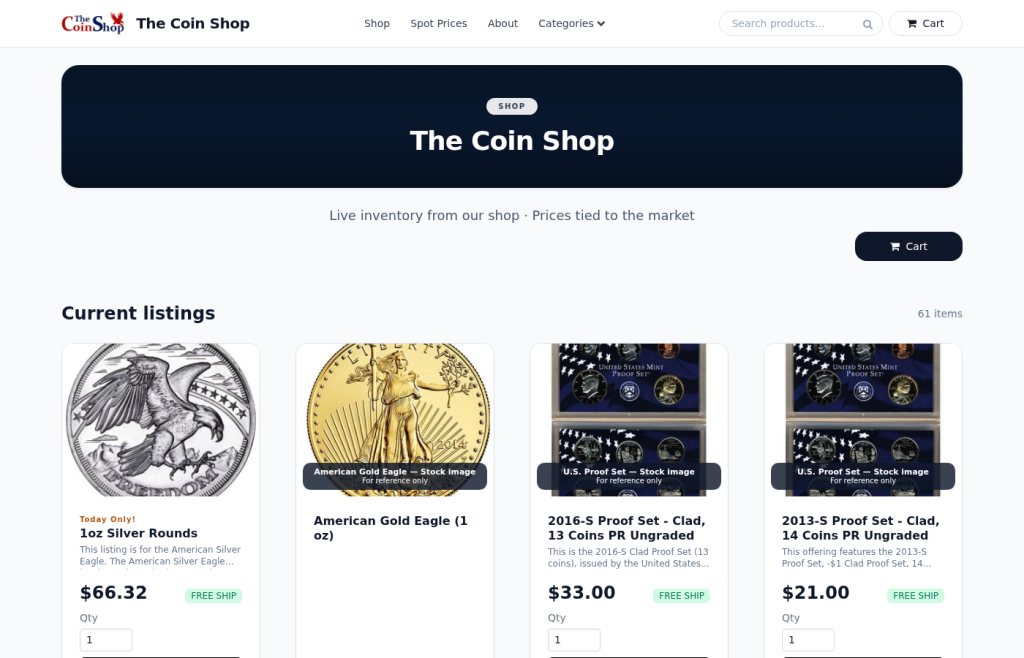
Updated August 2026. ExtraCoins (included with SpotPro) publishes a live product catalog as XML. You do not rebuild a spreadsheet every Monday. One feed URL is what Google Merchant Center and Microsoft Merchant Center both schedule — Bing Shopping and Google free listings share the same hygiene problem: bad photos and ghost stock.
Where the URL lives
- Company Profile → ExtraCoins store → Google Shopping feed
- Online Listings → Get found online
- Current path:
https://yourstore…/shopping-feed - Legacy path still seen in older setups:
/shopping-XML-feed.php - Local floor stock companion:
/shopping-local-inventory-feedwith Google Business Profile
Google Merchant Center
- Verify your ExtraCoins hostname or custom domain
- Add a data source with scheduled fetch pointing at the feed
- Confirm free listings / Shopping eligibility for your country
- Optionally link Google Ads for paid Shopping
- Fix disapprovals in Online Listings (title, image, stock, visibility) — not in a side sheet
Microsoft Merchant Center (Bing)
Create a catalog and scheduled fetch using the same feed URL. Verify domain ownership. Link Microsoft Advertising for product ads. Campaign bids are separate work; catalog work is not duplicated because SpotPro already owns the export.
Hygiene that keeps both networks happy
- Visible + Buy online + in stock + real photo + clear title
- Vacation mode when closed so ads do not sell what you will not ship
- No keyword stuffing; no empty cases advertised
- Weekly case-to-system count on top SKUs
Related: Google Shopping feed long guide · Bing ads + feeds · Help hub.